
Facilitation
Group Assignment
Ludifica splits the room across territories based on each person’s picks; everyone finds their group on their phone and the facilitator adjusts with one tap.
Step by step
Pick a step to jump to it in the clip.
- At 0:00 Everyone waits for their group
- At 0:03 Ludifica splits the room across the territories
- At 0:06 Everyone finds their group on their phone
- At 0:10 The facilitator adjusts the groups with one tap
What goes in, what comes out
Takes in
The territories each person picked
The room gets
Groups by territory, adjustable with one tap
In a script, it sets the room up for the interactions that follow.
Pairs well with
Interactions that usually come right before or after this one in a script.
-
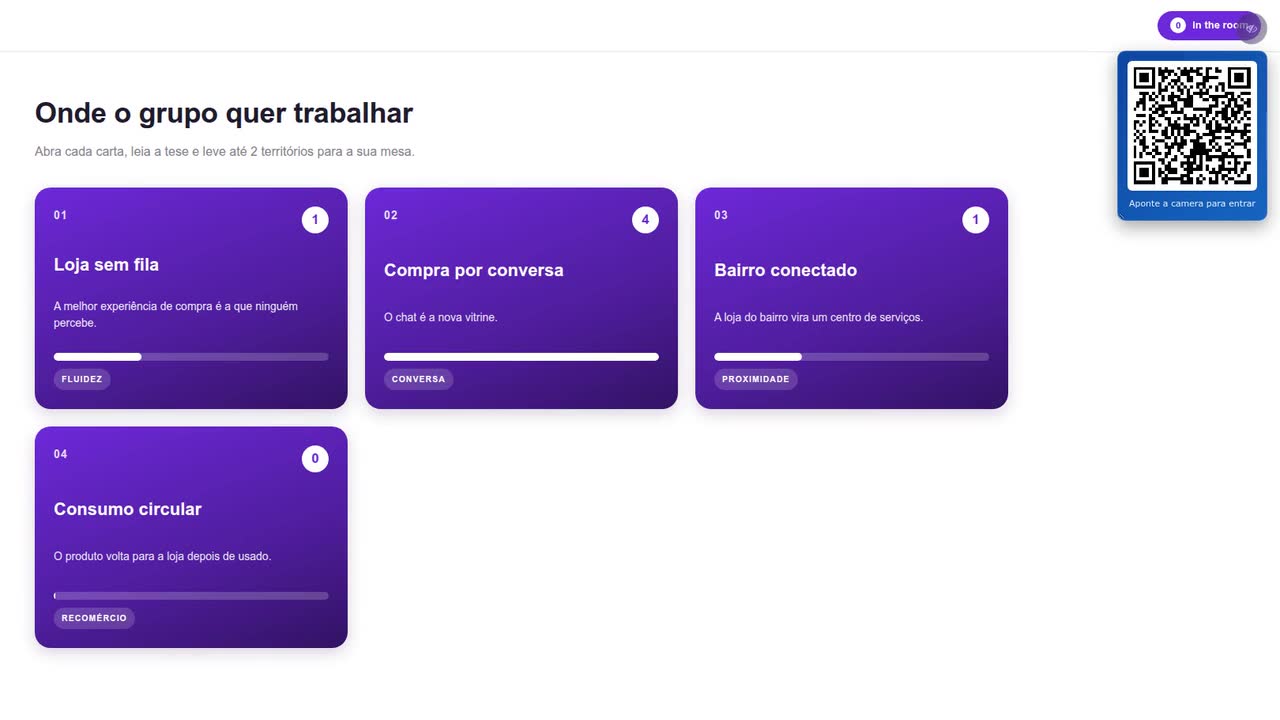
Territory Deck
Everyone browses the challenge territories on their phone, reads each one’s thesis and takes up to two to the table; the big screen shows where the group wants to work.
-
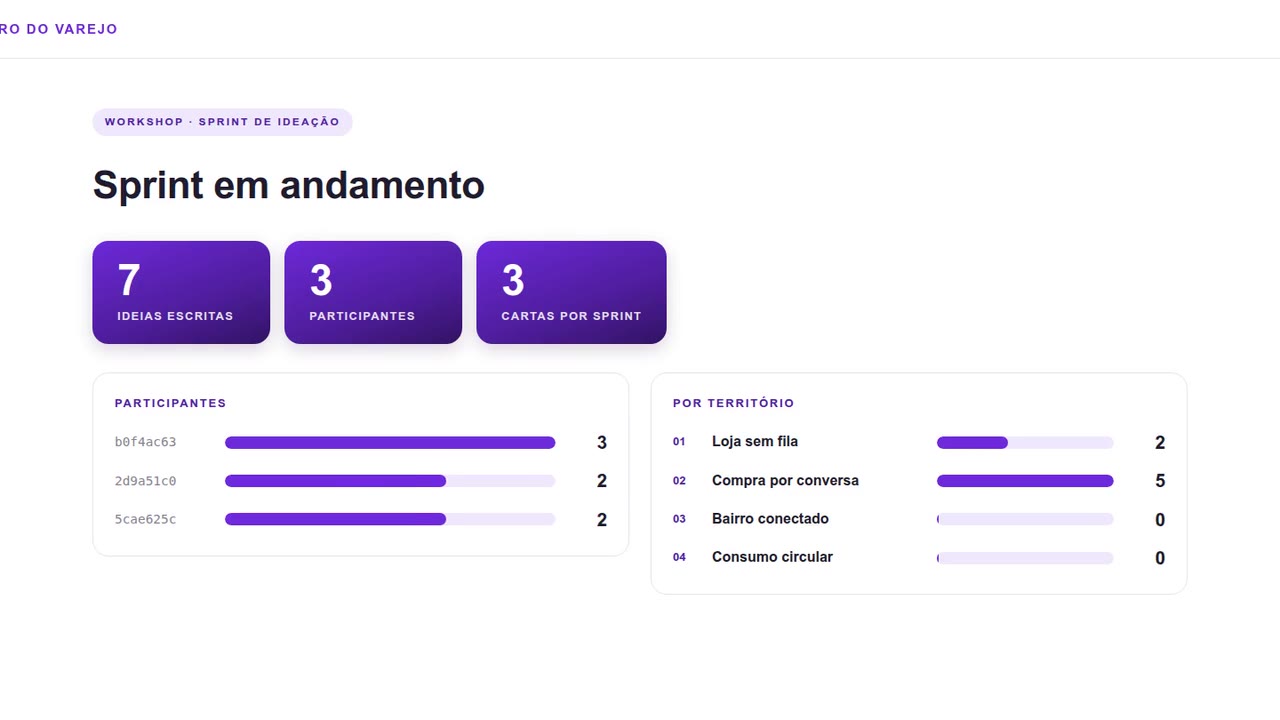
Crazy Cards
Everyone opens their table’s territory and writes one idea per card against the clock; at the end they star the best while the big screen counts ideas per territory.
-
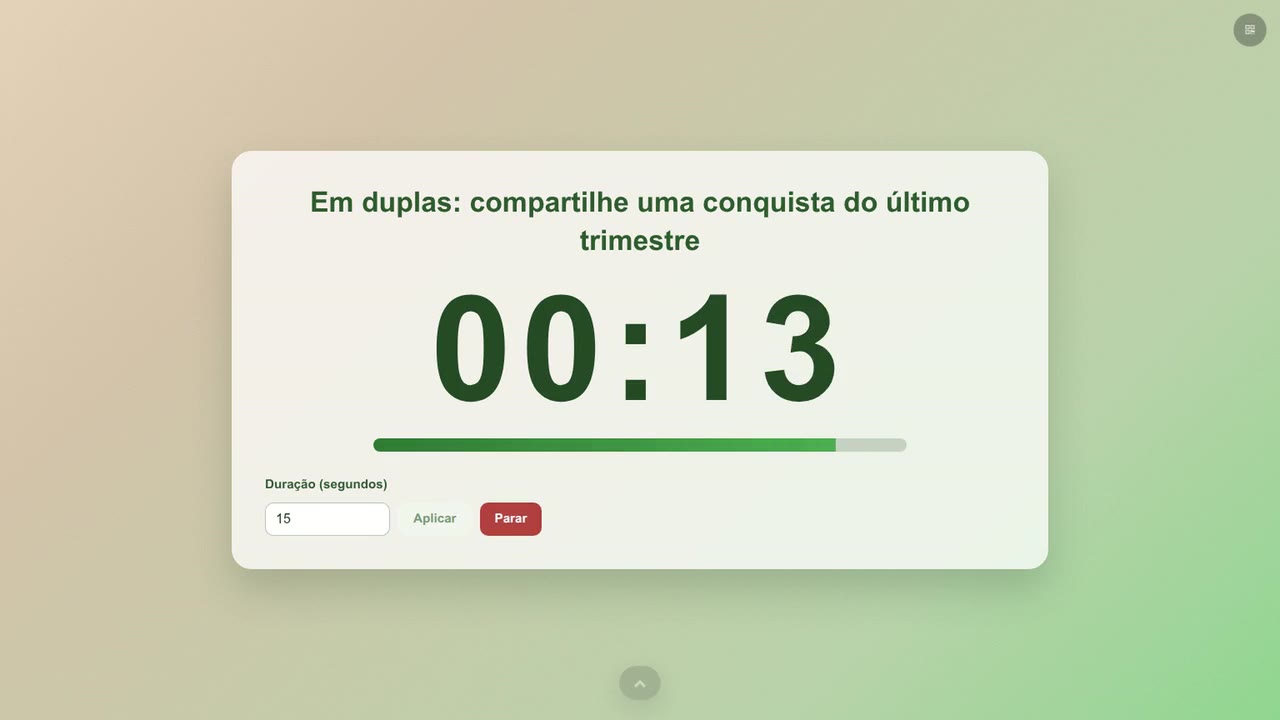
Timer
The facilitator puts the round’s prompt on the big screen and sets the time; the room follows the countdown.
Bring this interaction to your next session
We are opening access gradually. Leave your details and we will tell you when there is room for your event.